The problem: 15-minute tax on every project
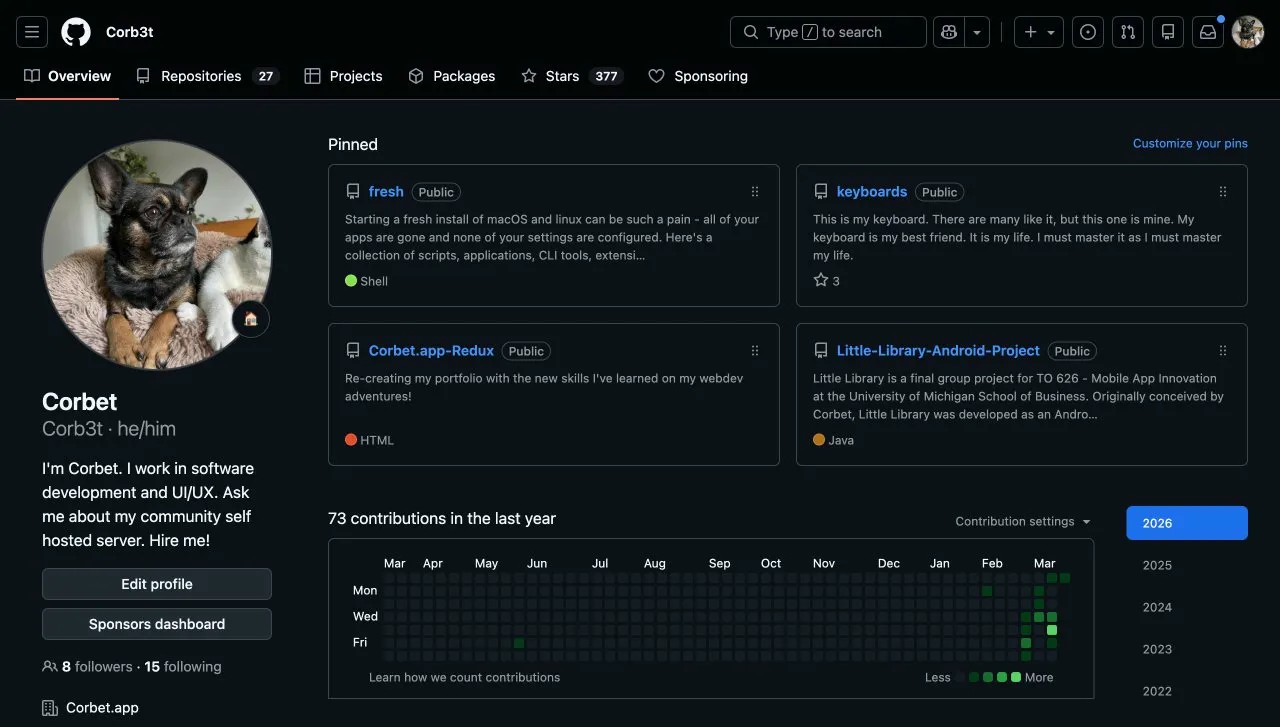
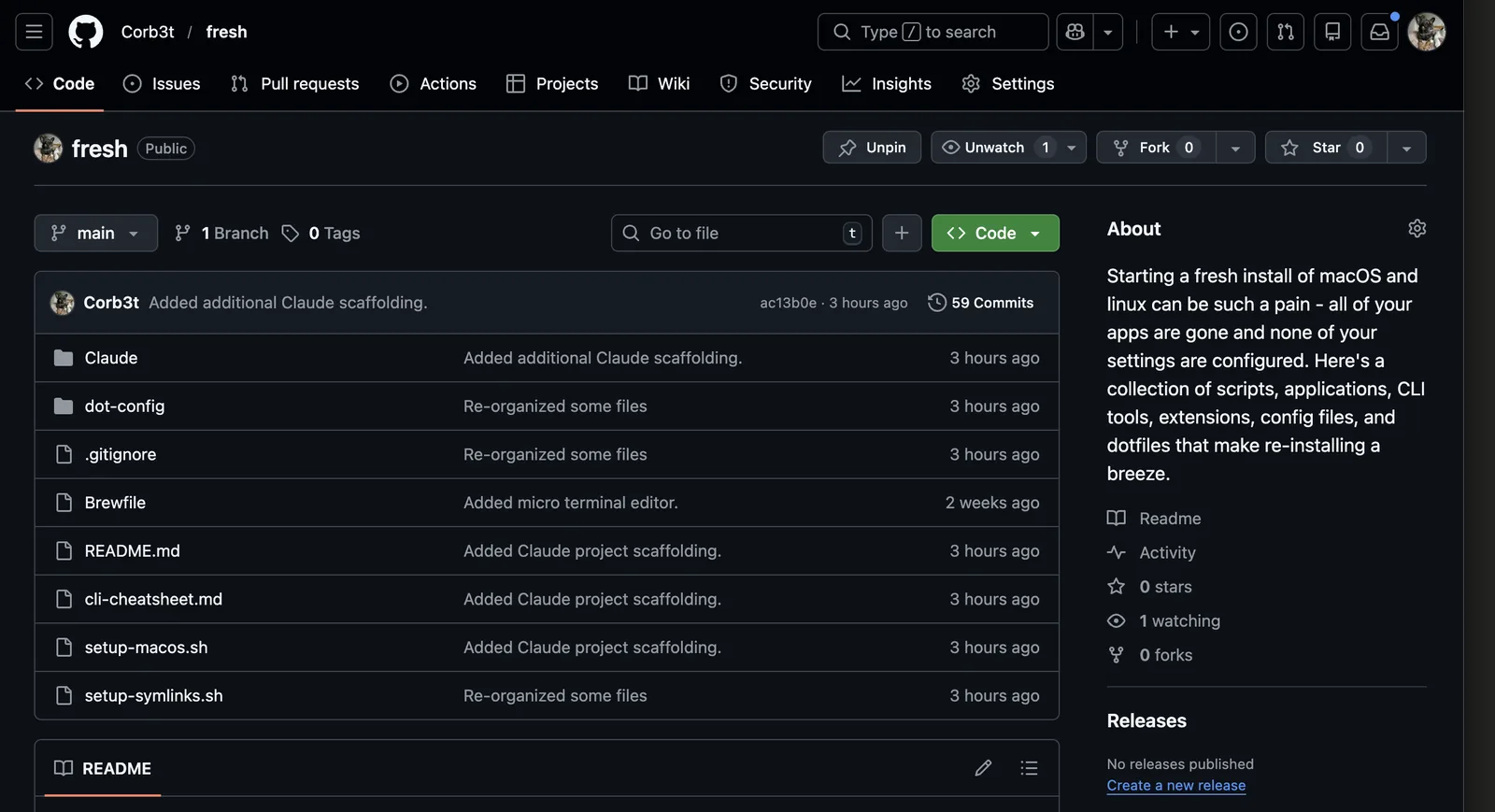
I build a lot of small web projects. Some are utilities I use daily, like SpecSheet, a fast-reference guide for people who geek out on the details of their hobbies, and photos.corbet.dev, a self-hosted image uploader backed by Cloudflare R2. Others are personal tools I reach for on a specific schedule, like Clymber, a climbing conditioning tracker I open every training session. Some are set-it-and-forget-it utilities, like fresh, my macOS reinstall kit. And occasionally something becomes a real product, like YourSeason.
Every single one of them started the same way. Open a terminal, create a directory, initialize a git repo, write a .gitignore, configure ESLint, wire Husky for pre-commit hooks, create the Cloudflare Pages project via the dashboard, link it to a new GitHub repo, generate the project's CLAUDE.md context file, and finally open the editor.
That sequence is not hard work. It is rote work, the kind that quietly consumes momentum. After running through it enough times, I started asking the obvious question: what if none of this required me to think?
The answer is scaffold.sh, a shell script that handles the entire initialization sequence and is invokable from Raycast without opening a terminal at all.
What the system does
Type a project name into a Raycast prompt. Press enter. In under 60 seconds, a clean project directory exists, git is initialized with a sensible .gitignore, ESLint is configured, Husky pre-commit hooks are active, a Cloudflare Pages project is created and linked to a new GitHub repo, a CLAUDE.md context file is pre-populated, and the editor opens directly to the project root. No terminal interaction required.
The system has four components that work together:
- scaffold.sh is the orchestration script that runs the full initialization sequence.
- CLAUDE.md is a template that gives Claude (or any AI assistant) immediate project context before it touches anything.
- A Raycast script command is the zero-terminal trigger that captures the project name and runs the script.
- 1Password CLI integration handles any secrets needed during setup without prompting for credentials.
Inside scaffold.sh
The script takes a single argument: the project name. Everything else is derived from that or pulled from environment config. Here is the skeleton:
#!/bin/bash
# scaffold.sh -- initialize a new Cloudflare Pages project
# Usage: ./scaffold.sh my-project-name

PROJECT_NAME="$1"
BASE_DIR="$HOME/Projects"
PROJECT_DIR="$BASE_DIR/$PROJECT_NAME"

# 1. Create directory structure
mkdir -p "$PROJECT_DIR"/{src,public}
cd "$PROJECT_DIR"

# 2. Initialize git with a clean .gitignore
git init
curl -sL https://www.toptal.com/developers/gitignore/api/macos,node \
  -o .gitignore

# 3. Scaffold core files
touch src/index.html src/style.css src/main.js
cp ~/.config/scaffold/templates/CLAUDE.md.tpl CLAUDE.md
sed -i "" "s/{{PROJECT_NAME}}/$PROJECT_NAME/g" CLAUDE.md

# 4. Configure ESLint (flat config)
npm init -y --silent
npm install --save-dev eslint @eslint/js --silent
cp ~/.config/scaffold/templates/eslint.config.js .

# 5. Wire Husky pre-commit hook
npm install --save-dev husky --silent
npx husky init
echo "npx eslint src/**/*.js" > .husky/pre-commit

# 6. Create GitHub repo and push initial commit
git add -A
git commit -m "init: scaffold $PROJECT_NAME"
gh repo create "$PROJECT_NAME" --private --source=. --push

# 7. Create Cloudflare Pages project via Wrangler
npx wrangler pages project create "$PROJECT_NAME" \
  --production-branch main

# 8. Open in editor
cursor "$PROJECT_DIR"

echo "✓ $PROJECT_NAME ready at $PROJECT_DIR"
A few things worth noting about this sequence.
The .gitignore is fetched from Toptal's gitignore API on every run so it stays current. It is a minor detail, but it saves the occasional "why is node_modules in my diff" moment. The ESLint config and the CLAUDE.md template both live in ~/.config/scaffold/templates/, which is itself a git repo, making the templates versioned and portable across machines.
Step 6 is where GitHub CLI earns its keep. gh repo create with --source=. --push creates the remote repo, sets it as origin, and pushes the initial commit in a single command. No browser, no dashboard, no copy-pasting a remote URL.
Step 7 uses Wrangler to create the Cloudflare Pages project. After this runs, subsequent wrangler pages deploy calls from that directory will deploy to the correct project automatically. The first real deploy still requires linking the project to the GitHub repo in the Cloudflare dashboard, which takes about 30 seconds. That is a one-time step per project and an acceptable trade-off.
CLAUDE.md: AI-native project context
Every project gets a CLAUDE.md file at the root. This is a convention from Anthropic's Claude Code tool: when Claude opens a project, it reads this file first to understand the codebase's constraints, conventions, and architecture before touching anything.
The template covers constraints an AI assistant would otherwise have to guess:
# CLAUDE.md -- Project context for AI-assisted development
# Project: {{PROJECT_NAME}}

## Architecture
This is a vanilla JS project with no build step.
- No frameworks, no bundlers, no transpilation
- CSS: custom properties + plain CSS (no Tailwind, no preprocessors)
- JS: ES modules via native browser import, no npm runtime deps
- Deploy target: Cloudflare Pages (static)

## Conventions
- All source files in /src
- Public/static assets in /public
- One HTML file per route (no client-side routing)
- CSS variables defined in :root on style.css

## Commands
- Lint: npx eslint src/**/*.js
- Deploy preview: npx wrangler pages dev public/
- Deploy prod: npx wrangler pages deploy public/

## Do not
- Add npm runtime dependencies without asking
- Introduce a build step
- Use TypeScript
- Use a CSS framework
The "Do not" section is the most important part. Without explicit constraints, AI coding assistants tend to reach for the familiar: React, Tailwind, TypeScript. This file makes the architectural decisions explicit and non-negotiable. The payoff is immediate: Claude proposes solutions that work within the existing setup rather than suggesting rewrites.
I also maintain a separate CLAUDE.mcp.md partial for projects that need MCP server integration, included on an opt-in basis rather than baked into the base template.
Raycast: the zero-terminal trigger
The script is useful on its own. The Raycast integration is what makes it genuinely frictionless. A Raycast Script Command wraps scaffold.sh with a text input prompt that captures the project name:
#!/bin/bash
# Required parameters:
# @raycast.schemaVersion 1
# @raycast.title New Project
# @raycast.mode silent
# @raycast.argument1 { "type": "text", "placeholder": "project-name" }

PROJECT_NAME="$1"

if [ -z "$PROJECT_NAME" ]; then
  echo "Error: project name required"
  exit 1
fi

bash ~/.config/scaffold/scaffold.sh "$PROJECT_NAME"
The full workflow from Raycast: hit ⌘Space, type "new project", type the project name, press enter. Raycast shows a spinner and the editor opens when the script finishes. A terminal window never appears.
Key architectural decisions
Why vanilla JS with no build step?
Build steps have costs that do not show up in getting-started tutorials. They fail in CI unexpectedly. They require maintenance as tooling evolves. They add cognitive overhead when context-switching between projects. They introduce a class of bugs that are purely tooling bugs, not product bugs.
For the kinds of projects I build, the native browser platform is sufficient. ES modules, CSS custom properties, fetch, and the Intersection Observer API cover the overwhelming majority of what I need. When a project genuinely outgrows vanilla JS, I will reach for a framework at that point, not by default.
Why Cloudflare Pages?
The free tier is genuinely unlimited for static sites. The CDN is excellent. Wrangler's CLI gives full programmatic control. Workers integration is available when a project needs a backend edge function. And the deploy preview URL per-branch workflow is useful even for solo projects, making it easy to share work in progress without touching production.
Why Husky for pre-commit linting on solo projects?
"I'll fix it later" is how lint errors accumulate into something nobody wants to clean up. The pre-commit hook costs nothing when you are writing clean code and prevents exactly one class of embarrassing commits. The slight friction on bad commits is the point.
Why keep CLAUDE.mcp.md separate from the base template?
CLAUDE.md is committed to every project. What stays out of the base boilerplate is the MCP configuration. MCP server credentials and tool definitions are project-specific and sensitive enough that baking them into the base template would require per-project modification anyway. Keeping them in an opt-in partial keeps the base template clean. The MCP config only appears where you actually need it.
Results and what comes next
The honest answer on results: I have stopped thinking about project setup entirely. New projects exist in under 60 seconds. The scaffolded structure is consistent, so I never have to remember where things go. ESLint catches problems before they hit the repo. The CLAUDE.md file means the first AI-assisted session in a new project is immediately productive rather than a warm-up round.
The system has been running across a Mac Mini (headless homelab) and a MacBook Pro for about a year. The only maintenance it has needed is updating the ESLint flat config when @eslint/js changed its API, which took about ten minutes.
What is next: an optional --worker flag that scaffolds a Cloudflare Worker alongside the Pages project for projects that need a backend from the start. Currently that is a manual step. There is no reason it should not be part of the same prompt.
The templates repo lives at github.com/Corb3t. If you build something on top of this approach, I would genuinely like to hear about it. Reach me at me@corbet.app.